

The “90% problem” is the primary hurdle currently facing professional video editors who have started integrating generative tools. You spend forty minutes refining a prompt, finally getting a cinematic drone sweep across a Nordic coastline that looks indistinguishable from high-budget stock footage. The lighting is perfect, the waves have the correct foam physics, and the camera movement is stable. But in the final three seconds, a stray pixel cluster generates a person on the beach who appears to be melting into the sand.
In a hobbyist setting, you might just crop the video or “re-roll” the entire prompt. In a professional production pipeline, neither is acceptable. Re-rolling the prompt is a gamble that likely destroys the lighting and composition you just perfected, while cropping might ruin the intended framing. This is where the industry is shifting: away from the “one-click” generation myth and toward a surgical, iterative workflow centered on regional control.
The Last Mile: Why Global Prompts Fail Professional Standards
Prompt engineering has hit a plateau of diminishing returns. No matter how many descriptive tokens you add regarding “anatomical correctness” or “fixed background,” a global text-to-video command treats every pixel with equal weight. When you ask a model to fix a hand, it often feels the need to also change the wallpaper, the lighting, and the actor’s shirt.
This lack of spatial isolation is the “entropy” of generative video. For a commercial editor, this randomness represents a loss of billable time. To achieve a professional standard, the workflow must move from a “generative” mindset to a “compositing” mindset. Instead of trying to get the perfect 10-second clip in one go, the pro editor treats the first generation as a “base layer”—a starting point that requires regional editing, inpainting, and localized motion correction.
Regional Inpainting as a Continuity Anchor
Inpainting is often discussed in the context of static images, but its role in video is more complex and significantly more vital. When we use an AI Video Generator, we aren’t just looking for a new object to appear; we are looking for a persistent change that respects the temporal flow of the surrounding pixels.
Regional inpainting allows an editor to isolate a specific failure point—like that melting person on the beach—and replace it without touching the waves or the sky. By masking the problematic area, you tell the model to focus its compute entirely on a small coordinate block. This typically results in higher detail and better adherence to physics within that specific zone.
Using an AI Video Generator for this kind of surgical repair is becoming the standard for fixing temporal flickering. If a character’s face loses consistency mid-turn, an inpainting pass can “pin” the facial features to a reference frame, ensuring that the character looks like the same person from start to finish. This is the difference between an “AI video” that feels like an uncanny dream and a professional asset that can sit alongside traditional footage.
Building a Multi-Stage Iteration Pipeline
Efficiency in AI video production is not about the speed of a single generation; it’s about the speed of the entire revision loop. A strategic workflow often looks like this:
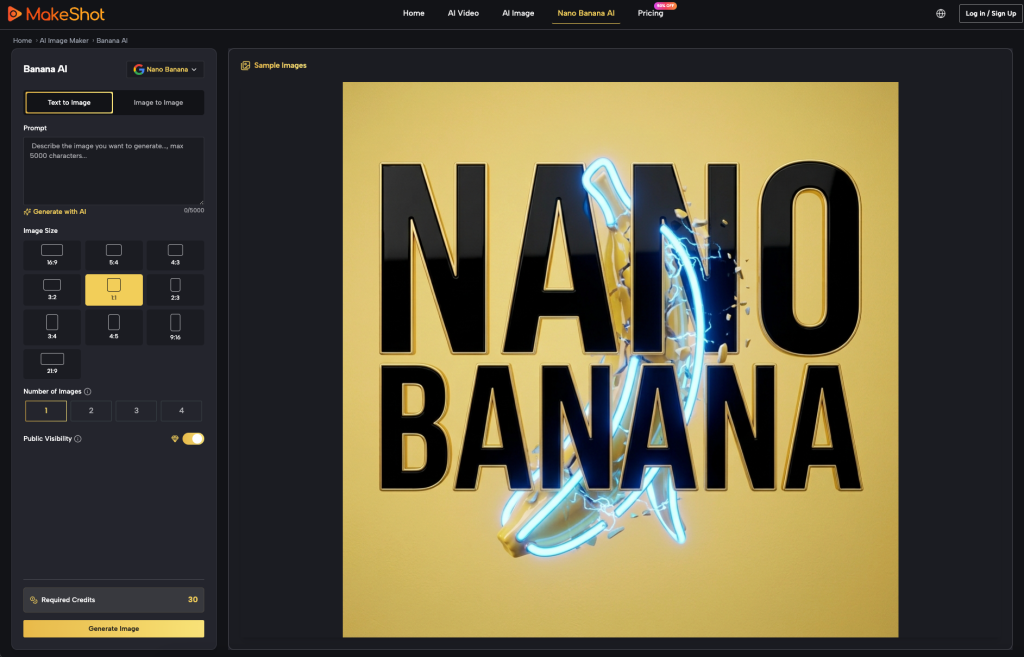
- Low-Fidelity Blocking: Start with a tool like Nano Banana to generate rapid, low-credit-cost versions of your concept. At this stage, you aren’t looking for textures or perfect faces; you are looking for composition, camera paths, and general color weight.
- The Base Render: Once the movement is locked, you move to a high-fidelity engine. Depending on the visual style, you might select between models like Kling for realistic human motion or Wan for complex environmental textures.
- Regional Refinement: This is where the surgical work happens. If the base render has a “ghosting” artifact on a moving arm, you apply a regional mask and re-generate only that arm.
- Upsampling and Polishing: Only after the regional errors are fixed do you commit to the final 4K upsample.
The benefit of platforms like MakeShot is the ability to switch between these engines (Veo, Kling, Seedance) within the same project. You might use one engine for the environmental “plate” and another, better at anatomy, for the inpainting of a character’s hands.
The Cost of Entropy: When to Pivot vs. When to Refine
A major part of the professional skill set is knowing when a clip is a “lost cause.” Not every generation can be saved by inpainting. If the fundamental perspective of a shot is warped—for example, if the horizon line is bending like a fish-eye lens when it should be flat—inpainting a small region won’t fix the underlying geometric failure.
Strategic use of the AI Video Generator involves calculating the ROI of your credits and your time. If you have spent more than three inpainting passes on a single five-second clip and the artifact is still persisting, the prompt’s seed is likely fundamentally unstable. In these cases, the “pivot” is to take the best frame of that video, use it as an “Image-to-Video” reference, and start a new generation branch.
We must also recognize that AI video is currently excellent at generating “patches.” Sometimes, rather than trying to fix a video in the generator, it is more efficient to generate a static, clean plate of the background and manually mask it into your video using a traditional NLE (Non-Linear Editor).
Current Limits of Temporal Inpainting
Despite the rapid progress in the field, we have to be realistic about what regional editing cannot currently do. One significant limitation is the “Context Gap.” When you inpaint a small region of a video, the AI often struggles to understand how the lighting in that region should change based on events happening outside the mask. If a lightning bolt flashes in the unmasked background, an inpainted character might not show the corresponding light shift on their skin.
Furthermore, maintaining complex, legible text or specific brand logos across a moving 3D surface remains an uphill battle. If you are trying to inpaint a logo onto a waving flag, the current generation of models still tends to hallucinate the characters or lose the perspective after two seconds. In these instances, traditional motion graphics and tracking are still the more reliable choice.
There is also an inherent uncertainty in how “regional” the changes truly are. Occasionally, even with a strict mask, a model may subtly shift the color grade or the grain of the surrounding pixels to “blend” the new content, which can create a visible seam when the clip is exported.
Integrating Generative Iteration into the Professional NLE
The final stage of a pro workflow is the transition from the generative platform to Adobe Premiere Pro or DaVinci Resolve. The goal is no longer to export a “finished” video from the AI tool, but rather to export a series of “passes.”
A “generative compositor” might export three versions of the same shot:
- A clean background plate.
- A version with the primary subject motion.
- A third version specifically focused on a complex regional edit (like a character’s face).
By layering these in an NLE, you can use traditional masking and blending modes to ensure that only the “perfect” parts of each AI generation make it to the final render. This approach mitigates the risk of AI artifacts and gives the editor the granular control that clients expect.
The shift from being a “prompt creator” to a “generative compositor” is the most significant evolution in the field. It moves the value of the creator from “knowing the right words” to “having the eye for what needs to be fixed.” As the AI Video Generator becomes more ubiquitous, the competitive advantage will lie with those who can manage the chaos of generative entropy through precise, regional intervention.